Appearance
How gateways work
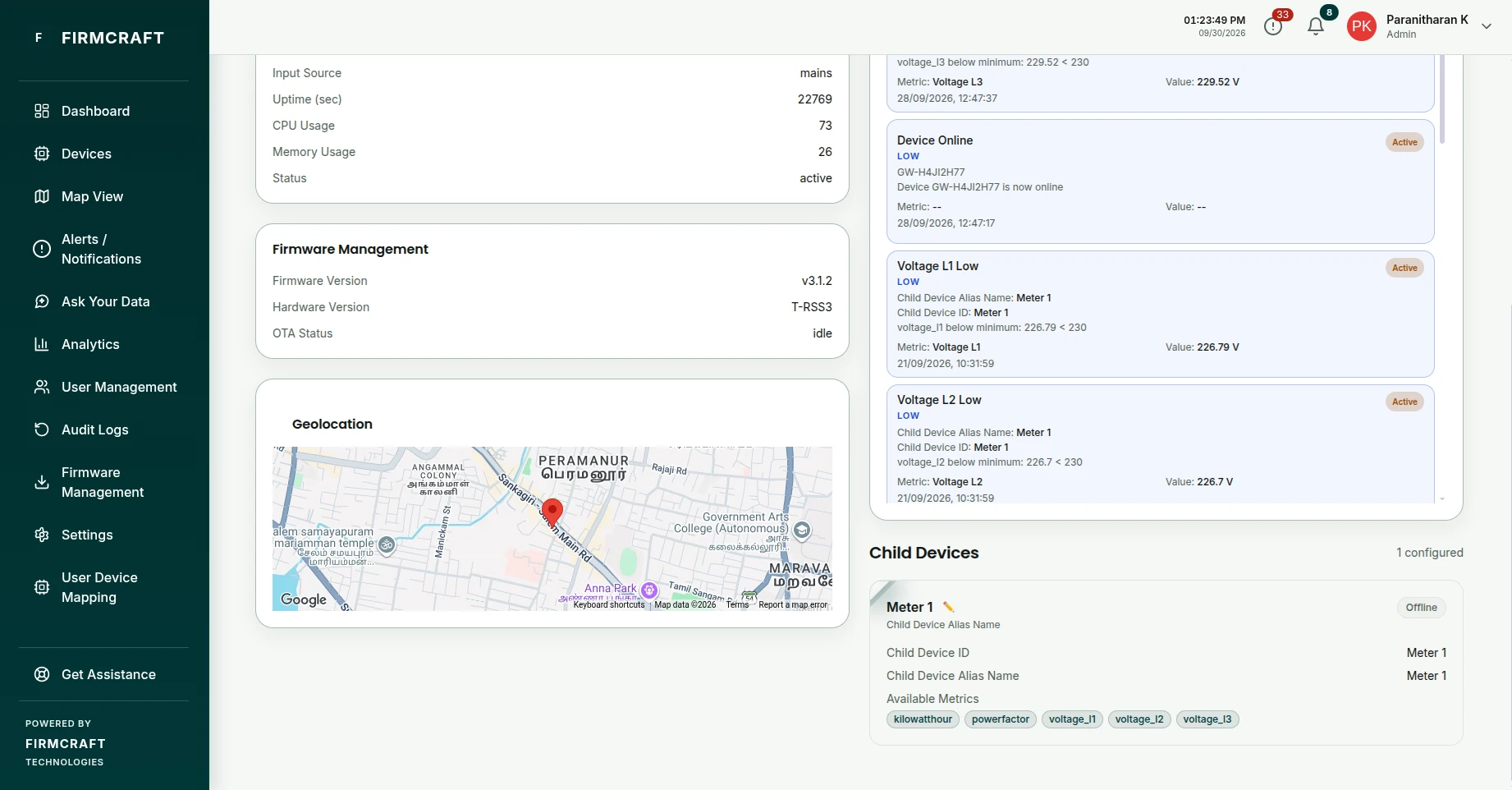
A gateway is one connection that carries readings for several pieces of equipment. Each piece of equipment behind it is a child device, with its own page, readings and alerts.
Examples
| Your setup | The gateway is… | The child devices are… |
|---|---|---|
| A Modbus or RS-485 gateway reading several energy meters | The gateway box | Each meter, identified by its slave ID or serial |
| A LoRaWAN network server (ChirpStack, The Things Stack) | Your LoRaWAN application | Each end device, identified by its DevEUI or device ID |
| A Sparkplug B edge node | The edge node | Each Sparkplug device under the node |
| A PLC or edge PC publishing one JSON message for a whole line | The PLC or PC | Each machine or asset in the message |
How the Firmcraft IoT Dashboard tells the children apart
Child devices don't have topics of their own. The gateway publishes on its Topic Path, and every message arrives there. The IoT Dashboard then reads each child's readings out of the message, using the child's ID inside it. For example, one message can carry readings for several children:
json
{
  "gateway_id": "GW-1",
  "devices": [
    { "slave_id": 1, "voltage": 231.2, "current": 4.1 },
    { "slave_id": 2, "voltage": 229.8, "current": 3.7 }
  ]
}
You tell the IoT Dashboard that slave_id is the child's ID. This is the Identifier Field. It then stores voltage and current under child 1 and child 2 separately.
For LoRaWAN and Sparkplug B, the IoT Dashboard sets up the gateway's topic and finds each child's ID for you.
One mapping for every child
You describe the message once, in Payload mapping, and the IoT Dashboard applies it to every child device. Add a new meter later and it only needs its ID added; the mapping already fits.
Gateway readings
A gateway can also report its own values, such as uptime, signal strength or IP address. Map these under Gateway Overview, and they appear on the gateway's own page.