Appearance
Audit logs
The audit log records who did what in your company account, and when: logins, devices added or changed, users invited, settings changed and more.
Who can do this: Admin
Open the audit log
Open Audit Logs in the sidebar.
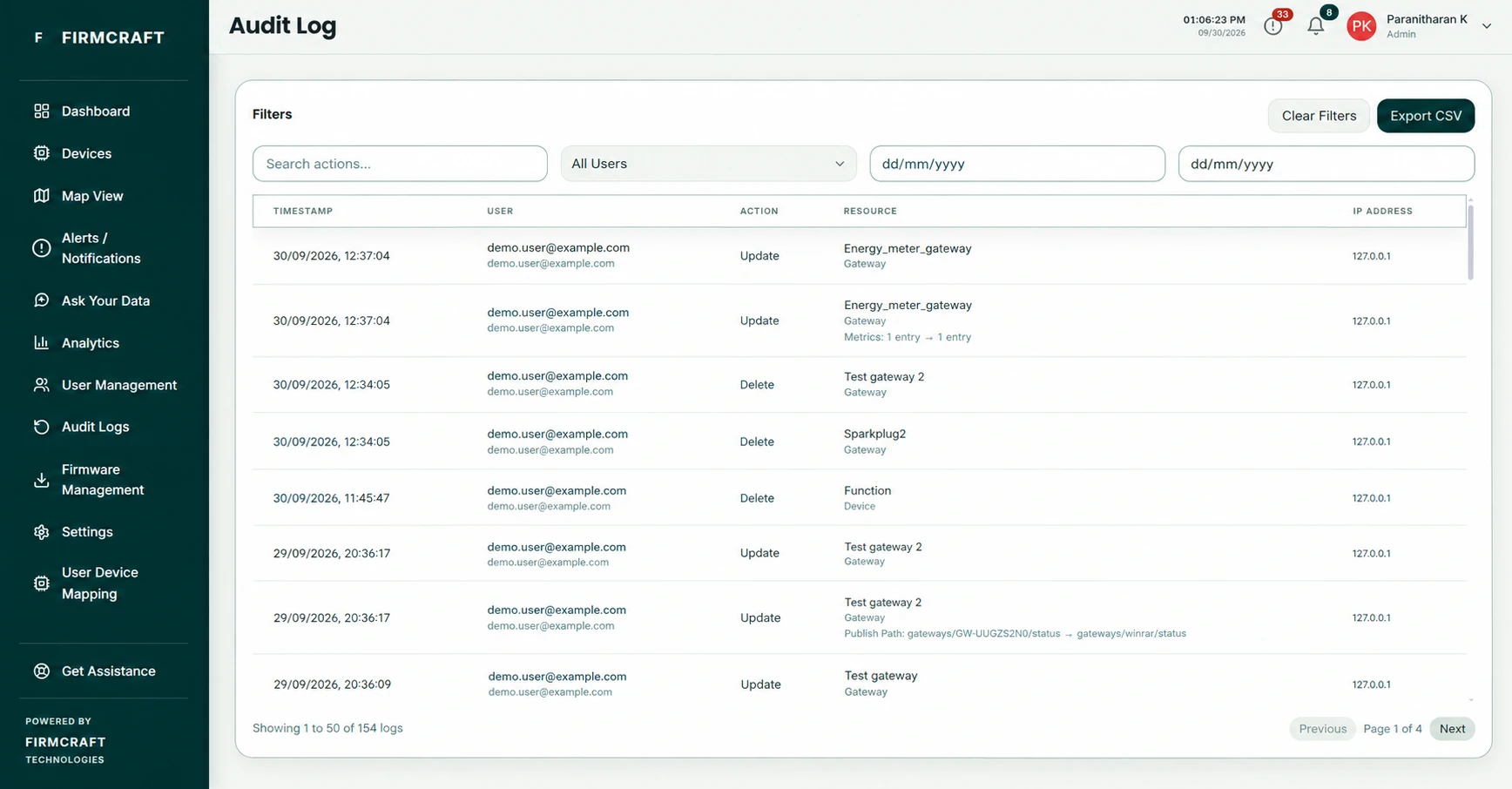
Each entry shows the person, the action, what it affected, and the date and time.
Find something
- Search actions: type part of an action, such as
DeleteorGateway. - Filter by user: pick one person to see only what they did.
- Filters: narrow the list further, for example by date.
When to use it
- Find out who changed a device's thresholds or deleted a gateway.
- Check when a team member last logged in.
- Show an auditor a record of changes.