Appearance
Create your account
Sign up once for your company. The account you create is the Admin account: it owns your devices and gateways and can invite the rest of your team.
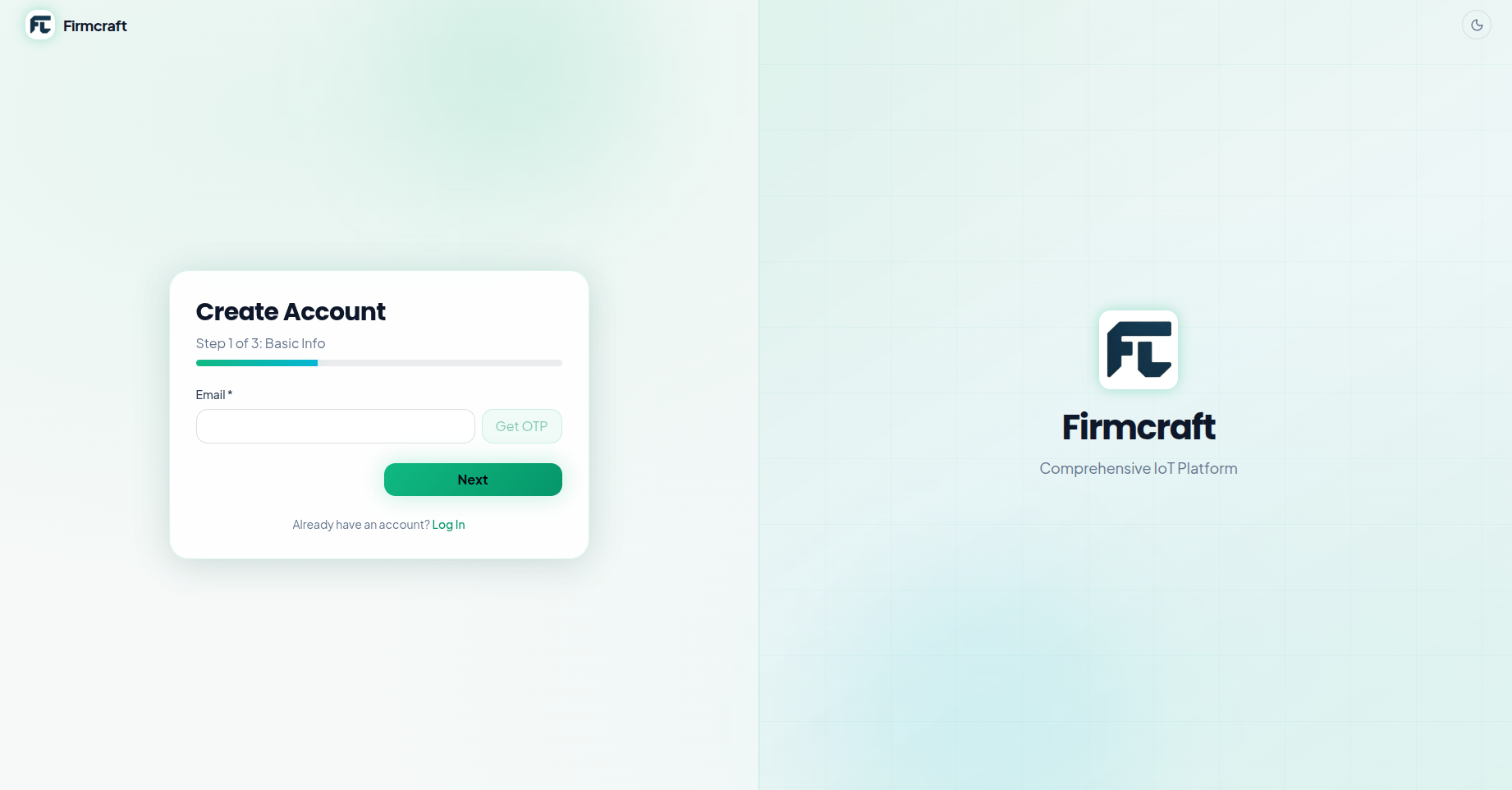
Steps
- Go to dashboard.firmcraft.in/signup.
- Enter your Email and click Get OTP. A 6-digit code is emailed to you.
- Type the code into Verification Code and click Verify OTP.
- No email? Check your spam folder, then click Resend code.
- Fill in your details:
- First Name and Last Name
- Password and Confirm Password. The checklist under the box shows which password rules are still missing.
- Company, and optionally Phone, Address and GST number
- Company Logo. It appears in the dashboard's sidebar. It must be under 2 MB.
- Choose how to start:
- Free for 60 days: a free trial with up to 10 devices. No payment needed.
- Buy now: choose a plan, your number of devices, a 12- or 24-month term and any extra data in the pricing calculator. See Plans and pricing to compare plans.
- Finish:
- Free trial: click Create Free Account. Your account is created straight away.
- Buy now: check the Order Summary and pay. Your account is created when the payment succeeds.
What happens next
Log in at dashboard.firmcraft.in/login with your email and password. You land on the Dashboard, which stays empty until you add a device or gateway.
Common problems
"Invalid or expired code." The code is valid for a short time. Click Resend code and use the newest email.
"Please verify your email first." Complete steps 2–3 before filling in the rest of the form.
"Payment was cancelled." Your account isn't created until the payment completes. Start again.
"This email ID already exists." The page offers to log you in instead. Enter your password, or use Forgot Password? on the login page.
Team members don't sign up
Only the company Admin signs up. Everyone else is invited from inside the dashboard. See Invite users and viewers.